Creating a productive home office environment is essential for anyone working from home. A well-designed workspace can improve focus, efficiency, and overall work satisfaction. Whether you have a dedicated room or a small corner, making intentional choices can transform your home office into a place where you enjoy working and can achieve your best. Here are some practical tips to help you create a productive home office environment.
Choose the Right Location
Consider Natural Light
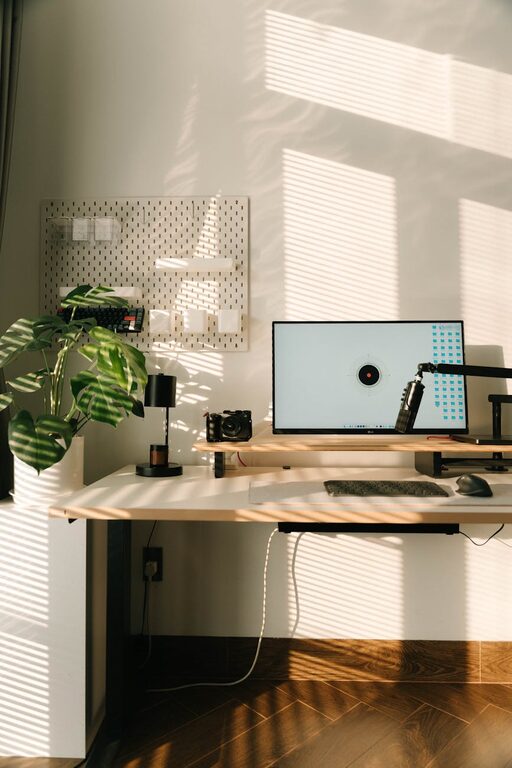
Natural light has a positive impact on mood and productivity. Whenever possible, set up your workspace near a window to take advantage of daylight. Avoid harsh glare on your computer screen by positioning your desk perpendicular to windows.
Minimize Distractions
Look for a quiet spot away from household noise and high-traffic areas. If you don’t have a separate room, consider using room dividers, noise-canceling headphones, or soft background music to reduce distractions.
Invest in Comfortable Furniture
Ergonomic Chair and Desk
Comfort is key during long work hours. Choose an ergonomic chair that supports your back and encourages good posture. Your desk should be at a height that allows your forearms to rest comfortably while typing.
Adjustable Options
If possible, use an adjustable desk that lets you alternate between sitting and standing. This change can reduce fatigue and improve circulation.
Organize Your Workspace
Declutter Regularly
A clean desk supports clear thinking. Remove unnecessary items and keep only essentials within reach. Use trays, containers, or drawer organizers to keep supplies tidy.
Use Storage Solutions
Shelving units, filing cabinets, and desktop organizers can help keep paperwork and equipment in order. Label files and boxes to find what you need quickly.
Optimize Technology Setup
Reliable Internet Connection
A stable internet connection is vital for virtual meetings and smooth workflow. Position your router nearby or use a wired connection for the best performance.
Quality Equipment
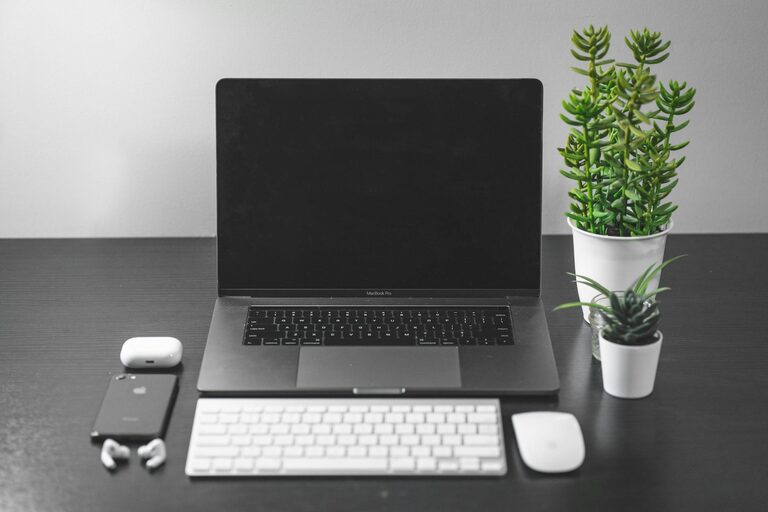
Invest in a good quality computer, monitor, keyboard, and mouse that suit your work needs. Consider accessories like a webcam and microphone for clear video calls.
Cable Management
Tidy cables can prevent distractions and hazards. Use clips, sleeves, or zip ties to bundle cables neatly.
Enhance Lighting and Ambiance
Task Lighting
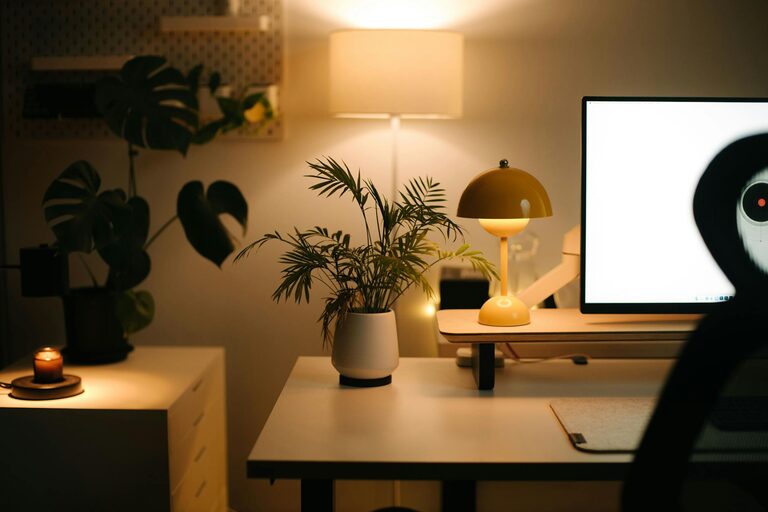
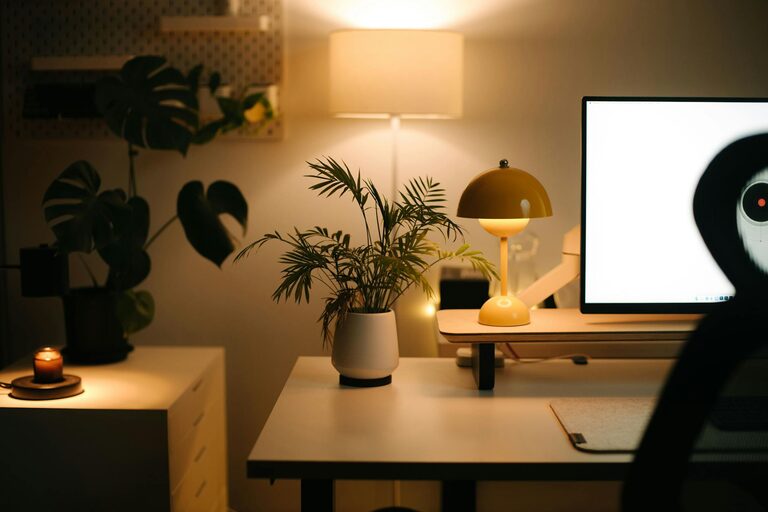
In addition to natural light, use a desk lamp with adjustable brightness and direction to reduce eye strain during detailed tasks or evening work.
Personal Touches
Add plants, artwork, or decor that inspire creativity and make the space welcoming without cluttering it. Plants also improve air quality.
Establish Boundaries and Routine
Set Work Hours
Define clear start and end times for your workday to maintain balance between professional and personal life. Communicate your schedule to family members or housemates.
Dedicated Workspace
Use your home office space only for work to train your brain to focus when you are in this area. Avoid working from sofas or beds if possible.
Maintain Healthy Habits
Take Breaks
Regular breaks help prevent burnout and keep your mind fresh. Use techniques like the Pomodoro method (25 minutes work, 5 minutes break) to maintain productivity.
Move Around
Incorporate stretching or short walks during breaks to reduce stiffness and increase energy.
Keep Improving Your Space
Listen to Your Needs
As your work changes, adjust your office setup to meet new demands. Don’t hesitate to rearrange furniture, try new tools, or update your chair.
Seek Inspiration
Look at other home office designs online or chat with peers for ideas that might work for you.
—
A productive home office environment is a combination of comfort, organization, and focus-friendly elements. By thoughtfully arranging your space and routines, you can create a setting that supports your success and well-being throughout your workday.