Working from home has become increasingly common, and having a well-organized workspace is key to staying productive and focused. A cluttered or uncomfortable area can easily cause distractions and reduce efficiency. Whether you have a dedicated room or a small corner, organizing your home workspace thoughtfully can make a big difference in your daily work routine. Below are some practical tips to help you set up a productive home workspace.
Choose the Right Location
Find a Quiet Space
Select a location in your home where you can minimize interruptions. A quiet corner, spare room, or even a section of your bedroom can work well if it remains fairly calm and free from household noise.
Natural Light Matters
Try to position your desk near a window if possible. Natural light can improve focus and mood. Avoid glare on your computer screen by placing your desk at an angle or using window shades when needed.
Invest in Ergonomic Furniture
Comfortable Chair
Your chair should support good posture and be adjustable. Sitting comfortably reduces strain on your back and neck, which helps you work longer without discomfort.
Suitable Desk Height
Choose a desk or table at a height that allows your forearms to rest parallel to the floor when typing. Avoid desks that are too high or too low to prevent tension.
Declutter and Organize
Keep Essentials Accessible
Limit your workspace to tools and items you use daily, such as your computer, notepad, and pens. Store other materials nearby but out of direct reach to maintain a clean surface.
Use Storage Solutions
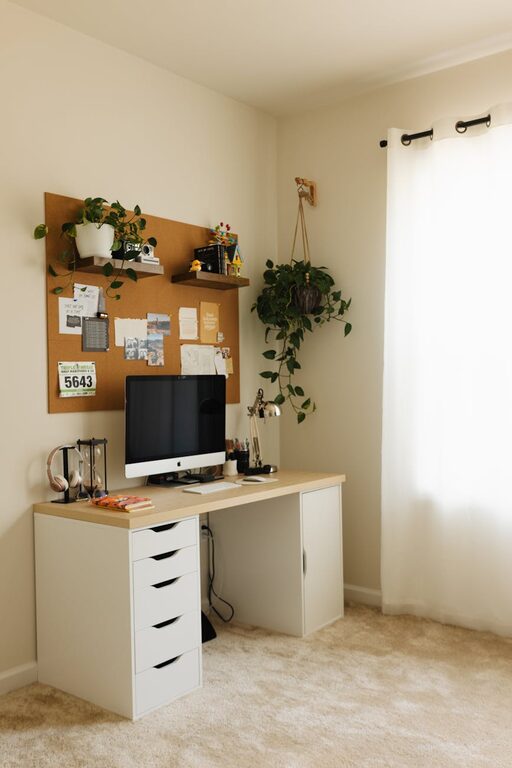
Incorporate organizers like drawer dividers, shelves, or bins. These help keep papers, cables, and office supplies neatly arranged and easy to find.
Cable Management
Tidy cables with clips, ties, or a cable box. This reduces visual clutter and prevents tripping hazards.
Personalize Thoughtfully
Add Some Greenery
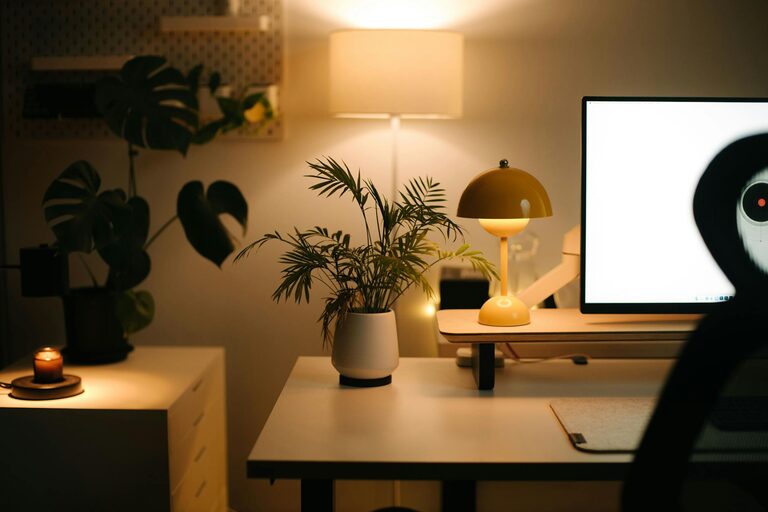
A small plant can make your workspace feel more inviting and improve air quality.
Use Inspiring Decor
Photos, artwork, or motivational quotes can boost your mood, but avoid overcrowding the space.
Optimize Your Technology Setup
Reliable Equipment
Ensure your computer, printer, and internet connection are fast and dependable. Technical issues can interrupt your workflow.
Screen Positioning
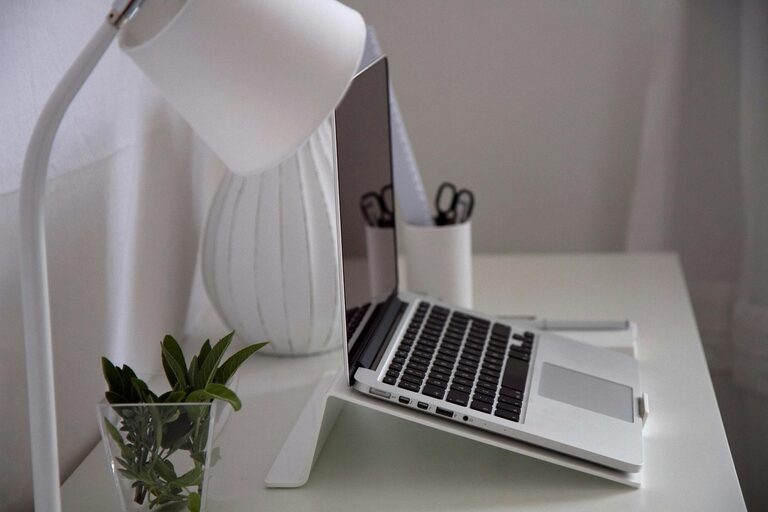
Place your monitor so that the top of the screen is at or slightly below eye level. This reduces eye and neck strain.
Establish Clear Boundaries
Set Dedicated Work Hours
Clearly define when you start and finish work. This helps maintain work-life balance and creates routine.
Communicate with Household Members
Let others know your workspace is focused for work during these hours to minimize distractions.
Keep the Space Clean
End-of-Day Routine
Spend a few minutes tidying your desk before finishing work. A clean area helps you start fresh the next day.
Regular Deep Cleaning
Once a week, dust and sanitize your workspace to maintain hygiene and comfort.
Use Task Management Tools
Paper or Digital Lists
Keeping to-do lists helps you stay organized and prioritize tasks.
Calendar Planning
Schedule your work hours, meetings, and breaks for better time management.
Take Breaks and Move
Stretch Often
Regularly stand up and stretch to reduce stiffness and fatigue.
Short Walks
Brief walks can re-energize your mind and body, improving overall productivity.
—
Creating a productive home workspace is about comfort, organization, and boundaries. By selecting the right location, investing in ergonomic furniture, minimizing clutter, and managing your time effectively, you can work efficiently and comfortably from home. Start with these easy tips and adjust your setup as needed to fit your daily workflow.